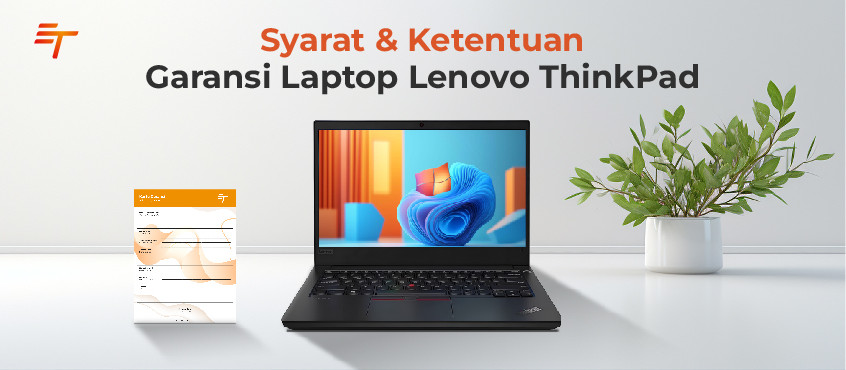
Purchasing a second like new laptop should still provide a sense of security and confidence in quality. For that reason, ET Store provides an official 1-year warranty for every Lenovo ThinkPad purchased. This warranty is offered to ensure customers feel more comfortable using the device for work, business, education, or daily productivity needs.
This article explains what the warranty covers, components included, and how to submit a claim if needed.
All Second Like New laptop units purchased from ET Store are covered by a 1 (one)-year warranty starting from the date of purchase.
The ET Store warranty applies to functional defects that occur under normal usage. The following components are covered:
With this coverage, customers do not need to worry about technical issues that occur without user misuse.
There are certain conditions where a warranty claim cannot be accepted. These terms exist to maintain proper diagnostic procedures and service quality. The warranty does not apply if:
Physical damage such as cracks, scratches, broken hinges, dents, corrosion, or cosmetic wear is also not covered. However, repairs may still be performed at the customer’s expense, with charges communicated beforehand.
If your laptop experiences a technical issue, please follow these steps:
Our technicians will run a diagnostic check and provide updates regarding the claim status within the designated service timeline.
To ensure repairs meet quality standards, all warranty handling is processed exclusively through authorized ET Store service centers. You can view available locations or request assistance through our website at: thrive.co.id.
Our team can assist with initial guidance, including basic troubleshooting, before you bring the device to a service location when applicable.
With these warranty terms, we hope customers clearly understand the procedures and limitations of after-sales service. If the device requires inspection or a warranty claim in the future, please follow the outlined steps to ensure the process runs smoothly and complies with ET Store service standards.
As an additional note, this warranty policy may be updated at any time in accordance with ET Store operational changes. We recommend checking our official website periodically to stay informed on the latest warranty information and support policies.


















 Industrial Robotics Integration
 IT Outsourcing Service
 Secure Internet SD-WAN Connection
 Digital Marketing Service
