Article May 18, 2026, 05:35 AM
How to Choose Accounting Software for More Accurate Financial Reports
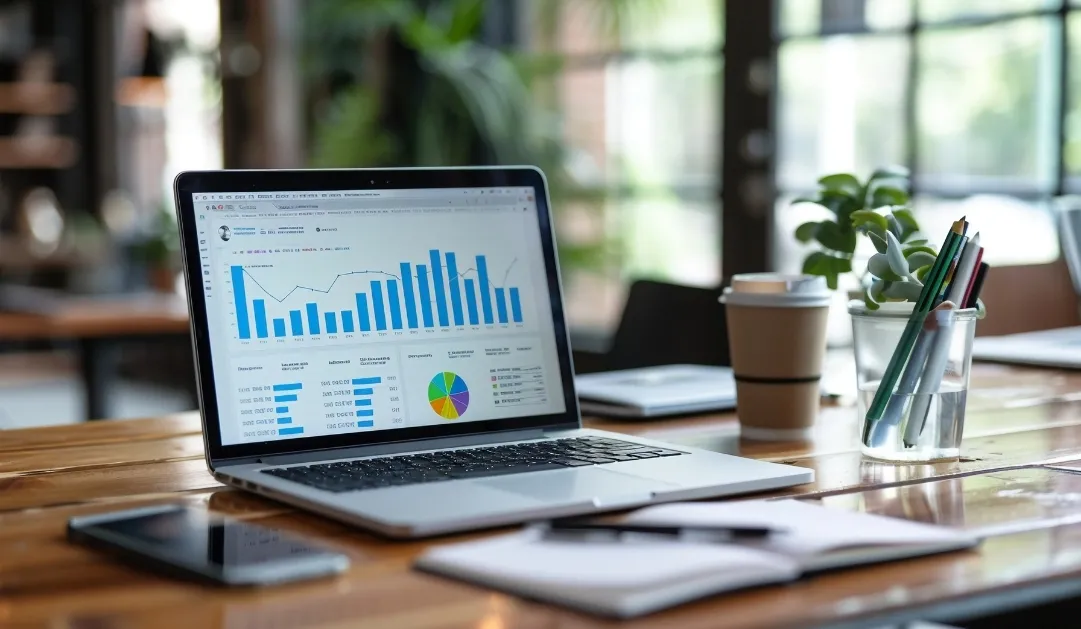
Don't Choose the Wrong Accounting Software, Because It Can Impact Cash Flow and Taxes
The right accounting software can reduce human error by more than 60%.
Choose software that has journal automation features, profit and loss reports, and bank reconciliation.
Businesses with transactions above 100–200 transactions per month should use accounting software.
Cloud accounting is more flexible for real-time monitoring than manual Excel recording.
Make sure the company uses an official license when buy original software so that financial data is more secure and support is clearer.
Why Are Many Financial Reports Inaccurate?
The most common problem isn't that finance staff can't do their jobs, but rather that their record-keeping systems are still manual. Many businesses still use Excel to separate invoices, expenses, inventory, and taxes. As a result, data often gets out of sync.
Accounting software helps unify all these processes into one system. For example, when an invoice is created, a journal entry can be automatically generated without re-entry. This reduces the risk of incorrect amounts, double entries, or unbalanced reports.
For small to medium-sized businesses, software like Accurate, Jurnal by Mekari, Xero, and QuickBooks are powerful enough. If a company starts to have multiple branches or complex approval workflows, they usually start considering ERP accounting like SAP Business One or Oracle NetSuite.
Because financial data is sensitive data, companies should buy original software. In many cases, unofficial software actually corrupts databases, prevents update features from working, and even fails to sync with the tax system.
Must-Have Features in Accounting Software
1. Journal Automation
This is the most important feature. Every sales, purchase, or payment transaction is automatically recorded in the appropriate journal. Without this feature, the finance team would still have to input data manually.
2. Bank Reconciliation
Good accounting software can match account transactions with system records. This speeds up monthly closing and reduces data discrepancies.
3. Multi-User and Approval
If a business already has an admin, finance, and owner, an approval system is important to control expenses and data changes.
4. Dashboard Real-Time
Owners can view cash flow, profit and loss, debts, and receivables at any time without waiting for manual end-of-month reports.
5. Tax and Invoice Integration
Modern software typically supports e-invoices, tax data export, or digital invoice integration. This is why many companies choose buy original software so that the integration runs stably.
Cloud Accounting vs. Offline Software: Which is Safer?
Cloud accounting is now increasingly popular due to its flexible access. Owners can monitor from a laptop or mobile phone without having to come into the office.
However, cloud computing also requires a clear vendor and strong support. Don't be tempted by low prices. Many businesses end up migrating because their previous software isn't scalable.
If your company has routine daily transactions, at the very least, use software with automatic backups and audit logs. That's why the decision buy original software not only about legality, but also about operational security.
Checklist Before Choosing Accounting Software
Make sure the software supports automatic profit and loss reports and balance sheets.
Check whether it can be used by multiple users.
Make sure there is a transaction approval feature.
Choose software that supports exporting tax data.
Calculate the cost per user and annual renewal fees.
Make sure there is vendor training or onboarding.
Choose software that is scalable as your business grows.
Avoid software without official support.
Safer buy original software so that updates and maintenance are clear.
FAQ
1. When does a business start to need accounting software?
Usually when transactions exceed 100 transactions per month or manual cash flow tracking starts to become difficult.
2. Is Excel still sufficient for bookkeeping?
For small businesses it may still be sufficient, but the risk of human error is much higher than with accounting software.
3. Is cloud accounting software better than offline?
For most modern businesses, the cloud is more flexible because it can be accessed in real time and supports team collaboration.
4. What accounting software is suitable for MSMEs?
Accurate, Jurnal, and QuickBooks are quite popular because they have faster setup and more affordable costs.
5. Why are financial reports often not balanced?
Usually due to manual input, duplicate journals, or unsynchronized transaction data between divisions.
6. Can accounting software help with taxes?
Yes. Many software programs already support tax data export and e-Invoice integration.
7. Is accounting software safe for company data?
It is safe if you use a trusted vendor and buy original software with official support.
8. Can accounting software be used for multiple branches?
Yes, depending on the plan and software features used.
9. How much does company accounting software cost?
Starting from hundreds of thousands to millions of rupiah per month depending on the number of users and features.
10. Where is a safe place to buy accounting software licenses?
For business and corporate needs, it is more secure buy original software so that the activation, support, and renewal processes are more guaranteed.
Related Articles
Also read other interesting information from us

General
How Indonesian Web Developers Build E-commerce Websites with Shopify
Shopify has become one of the most popular e-commerce platforms in the world due to its ease of use and comprehensive fe...

General
Comparison of CRM Software for Managing Customer Leads and Sales Pipelines
In an increasingly competitive business world, the ability to manage customer leads and monitor the sales pipeline is a...

General
Want Your Business to Grow? This is the Importance of Using Website Creation Services
In today's digital era, having a website is not just an option, but a necessity for every business that wants to grow. A...
Get Free Consultation
Discuss your company's IT needs with our customer support right now at
+62 822 9998 8870


