Article Sep 16, 2026, 02:25 AM
Legal Documents Piling Up? Here's How to Manage Them Without Searching for Files One by One
What Can Be Automated?
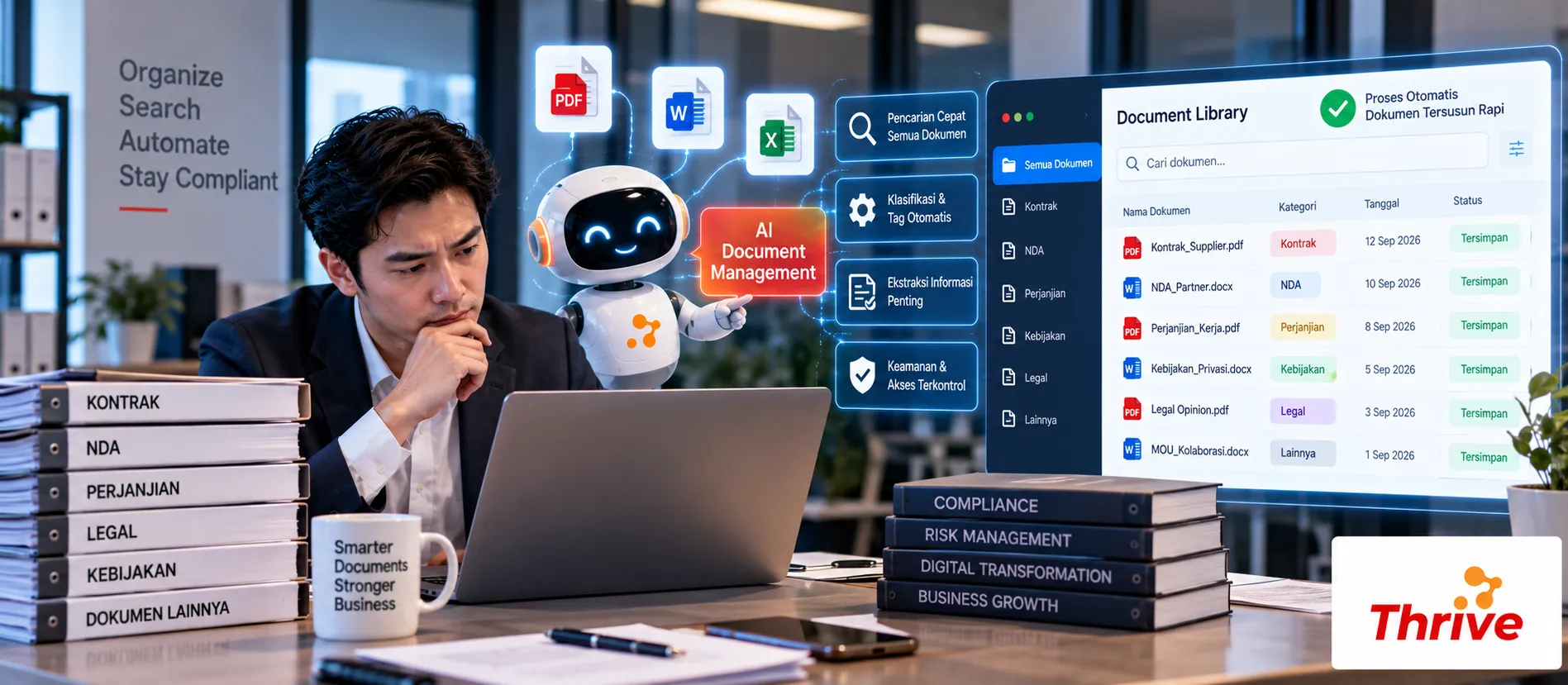
AI Automationcan help companies manage legal documents in a more structured manner, starting from reading files, classifying documents, searching for information, monitoring expiration dates, to recording user activities.
Automatic classificationbased on document type, such as contract, NDA, addendum, or compliance document.
Metadata extractionsuch as party name, contract date, value, expiry date, and document number.
Information searchwithout opening files one by one.
Automatic reminderbefore the document or contract expires.
Audit trailto find out who accessed or changed a document.
For example, the company has3,000 Legal documents. If each search takes 3 minutes, a manual search could take about 150 hours for 3,000 documents. With AI Automation, the search and management process can be made much more structured.
From Messy Folders to an Organized Legal Repository
Document management problems often go beyond the number of files. File names are inconsistent, documents are stored in various folders, and important information like expiry dates are often only found within the document's contents.
With AI Automation, documents can be processed into structured data so that they are easier to search and monitor.
1. Automatic Document Classification
The workflow can be started like this:
Upload → Text Extraction/OCR → Document Classification → Metadata Extraction → Repository
For example, the system receives 100 new files. The documents can be grouped into:
50 Contract
20 NDA
15 Addendum
10 Compliance Document
5 Other
Classification makes subsequent searches faster because the documents already have categories.
2. Extract Important Metadata
Legal documents usually have repetitive information.
For example:
Contract Number → Parties → Effective Date → Expiry Date → Contract Value → Renewal Terms
With AI Automation, the information can be taken from the document and saved to a database.
For example, the contract has a validity period12 monthswith notice period30 daysThis data can be used to create reminders before the contract expires.
3. Monitor Expiry and Renewal
Monitoring important dates is one of the most practical use cases.
For example:
H-90 → Renewal Reminder
H-30 → Urgent Reminder
H-7 → Escalation
H+1 → Expired Review
With AI Automation, notification can be sent to the relevant Legal or PIC based on the document status.
This reduces the risk of missing a contract simply because important dates are still stored in the PDF.
4. Create Smarter Searches
Users don't always know the name of the file they're looking for.
For example Legal wants to find:
“All vendor contracts that will expire in 60 days.”
The system can use metadata such as vendor and expiry date to filter documents.
For content searches, semantic search can also help find clauses based on context, not just keywords.
5. Save Audit Trail
Legal documents require clear controls.
Activities such as:
Upload → View → Download → Edit → Approve → Archive
should be recorded.
With AI Automation, workflow can record these activities so that the team can know who did what and when the activity was done.
Role-based access is also important. Certain contract documents may be accessible only to Legal, while others may be accessible to Procurement or Finance.
What Do You Need to Prepare Before Starting?
Group documents by type.
Define mandatory metadata.
Separate active and expired documents.
Prepare OCR for scanned PDF.
Define H-90, H-30, and H-7 as examples of reminders.
Create permissions based on roles.
Determine who the PIC is for each document.
Keep an audit trail of activities.
Connect the repository with related systems if needed.
Starting from 100–500 documentsas a pilot stage.
Use legal software for companies and officially licensed software.
The ultimate goal is not simply to have a new repository. The Legal Repository must create documentseasier to find, easier to monitor, and safer to manage.
FAQ
1. What is the function of AI Document Management for Legal?
To assist with classification, data extraction, searching, expiry monitoring, notification, and document audit trail.
2. Can PDF documents be processed?
Yes. Digital PDFs can be extracted directly, while scanned PDFs require OCR.
3. Can AI know the contract expiration date?
Yes, if the expiry date information is available and can be extracted from the document.
4. Can expiry reminders be sent automatically?
Can. AI Automationcan run reminders based on specified dates and thresholds.
5. What if the document is stored in multiple folders?
Documents can be collected into a central repository or linked through appropriate workflows and integrations.
6. Can all users view Legal documents?
Not necessarily. Access control can restrict documents based on specific roles, departments, or permissions.
7. Can AI search the contents of documents?
Yes. The system can perform keyword and semantic searches to find relevant information and clauses.
8. Can document activity be tracked?
Yes. The audit trail can record activities such as uploads, accesses, changes, approvals, and downloads according to system configuration.
Related Articles
Also read other interesting information from us

General
Don't Just Look at Price! Here Are 5 Smart Ways to Evaluate Web Services
Choosing a web service is not just about cheap prices. There are many important factors to consider so that you get the...

General
Want a Cheap But Professional Website? These Are the Mandatory Design and Email Marketing Tools
Finding a cheap but professional website is now easier with the right tools. Services Cheap Website Creationcombini...

General
Have Multiple Branches? Manage All Administration in One System with AI Automation
The more branches there are, the more complex the administration the head office must monitor. Sales reports, expenses,...
Get Free Consultation
Discuss your company's IT needs with our customer support right now at
+62 822 9998 8870


