Article Jun 23, 2026, 02:53 AM
Why Are Many Companies Turning to Open Source Automation Platforms?
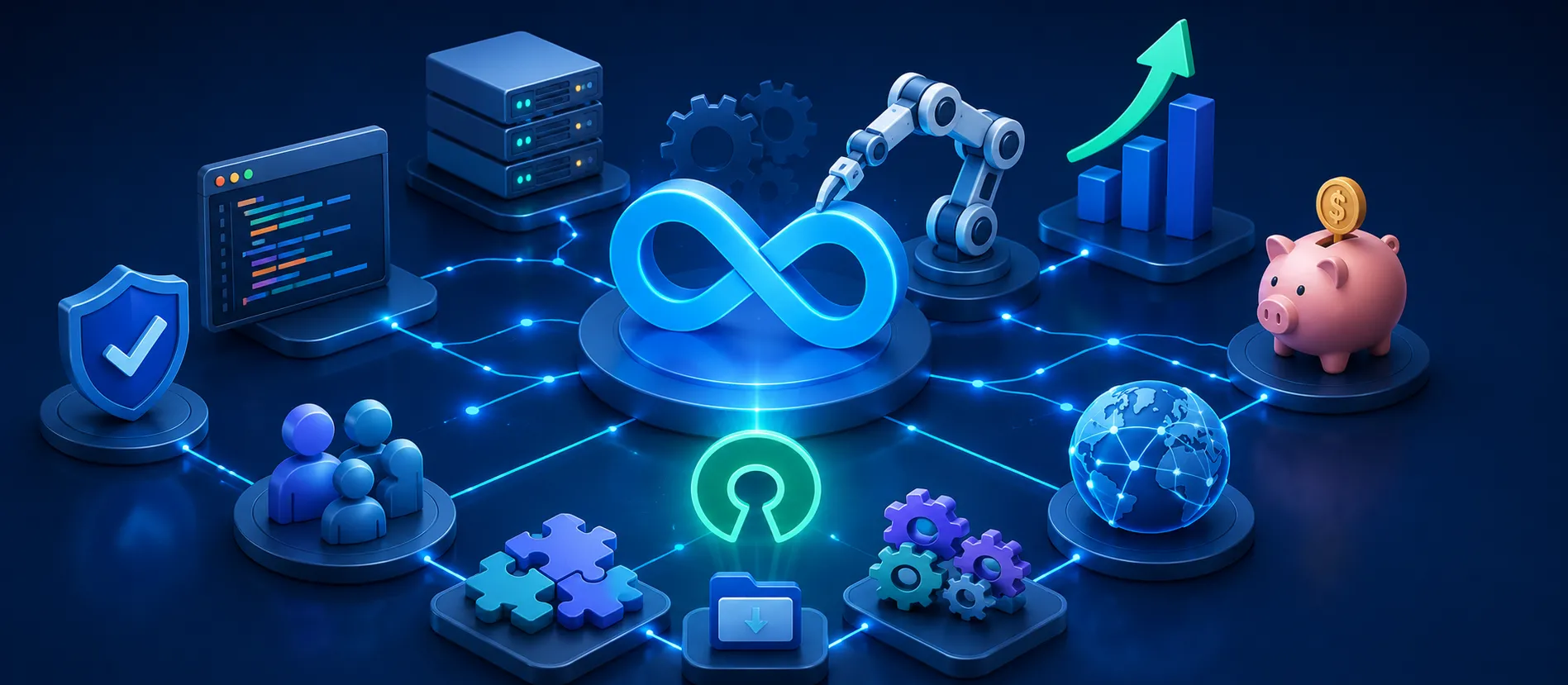
Why Is Open Source Automation Becoming a Business Choice?
Open source automation platforms help companies reduce monthly licensing costs.
Suitable for businesses that need a flexible, custom, and self-controlled workflow.
Platforms such as n8n, Node-RED, Huginn, and Apache Airflow are often used for system integration.
Companies can automate follow-up, reporting, approval, ticketing, and data sync.
Before implementation, make sure the company buy original software for official support, security and support licensing needs.
Why Is Open Source Automation Increasingly Relevant for Business Operations?
Many companies are beginning to realize that automation is no longer an optional feature. It has become a core requirement for faster, more streamlined, and more scalable operations.
The problem is, not all businesses are ready to pay for automation platform subscriptions, which increase with the number of workflows, users, or tasks executed. This is where open source automation platforms become attractive.
An open-source automation platform is automation software whose source code is more open and can be managed independently. Companies can run the platform on their own servers, customize workflows according to their needs, and connect various applications through APIs, webhooks, databases, or custom scripts.
Examples of use cases that often occur in the real world:
Leads from the form automatically enter CRM.
Order data from the website is sent to a spreadsheet.
Invoice reminders are sent automatically.
Support tickets are created from email or WhatsApp.
Daily reports are sent to management every morning.
With this kind of workflow, teams no longer need to copy and paste data repeatedly. In many cases, administrative work can be reduced by 30–60% in certain processes. Because of this, many companies are starting to buy original software to complement the needs of business software connected to automation.
The main advantage of open source automation is its flexibility. Companies aren't locked into a single vendor. If custom integrations are needed, the technical team can customize the workflow. This is especially useful for businesses that use multiple disparate systems, such as CRM, ERP, helpdesk, email marketing, accounting, and internal databases.
However, open source doesn't mean it's completely free. This is an important point that's often overlooked.
Companies still need to calculate server costs, setup, maintenance, backup, monitoring, security, and technical staff. If an IT team isn't adequate, operational costs can arise from other sources. Therefore, open source automation is best suited for companies seeking greater control and ready to manage their infrastructure.
From implementation experience, open source platforms are most effective when used for workflows with clear triggers. For example, "if a form is submitted, send the data to CRM," or "if an invoice is due in three days, send an automatic reminder." These workflows are easy to measure because the output is clear.
Open source automation is also attractive for companies concerned about data privacy. With self-hosted deployment, data can remain on internal servers. This is important for the finance, healthcare, government, or companies with strict compliance regulations.
But there are still limitations. If a company requires fast vendor support, formal SLAs, and a large number of non-technical users, a commercial platform may be more practical. Therefore, the best decision isn't simply "open source or paid," but rather choosing the model that best suits the business needs. Once the mapping is complete, the company still needs to buy original software so that the software ecosystem used remains legal, safe, and easy to support.
Checklist Before Choosing Open Source Automation
Choose the most repetitive and easily measurable workflow.
Make sure the company has the technical resources for setup and maintenance.
Check whether the business application supports APIs or webhooks.
Set up servers, backups, monitoring, and workflow documentation.
Start with 1–3 small workflows before scaling to multiple divisions.
Create SOPs so that automation does not run without control.
Calculate the total cost, not just the license fee.
Make sure the company buy original software for the needs of supporting tools and system security.
FAQ
1. What is an open source automation platform?
Open source automation platform is software for creating automated workflows that can be run and managed by companies themselves.
2. What are some examples of open source automation platforms?
Some popular examples are n8n, Node-RED, Huginn, and Apache Airflow.
3. Is open source automation really free?
Not always. The software may be free, but the company still needs to pay for servers, maintenance, backups, and technical staff.
4. What businesses are suitable for using open source automation?
Businesses that have many manual processes, need custom integrations, and have an in-house technical team.
5. What are the main advantages of open source automation?
The main advantages are flexibility, data control, custom workflows, and potential long-term cost savings.
6. Is open source automation safe for enterprises?
It can be safe if the server, user access, backup, SSL, firewall, and monitoring are managed properly.
7. Can open source automation be connected to CRM or ERP?
Yes, as long as the CRM or ERP supports APIs, webhooks, database access, or third-party integrations.
8. Why do companies need official software even if they use open source?
Because automation is usually connected to many business tools. With buy original software, the company gets legality, official updates, and clearer support.
9. When should a company not choose open source automation?
If you don't have a technical team, need a strict vendor SLA, or want a platform that's ready to use without server maintenance.
10. Where can I buy official software to support business automation?
Companies can buy original software through trusted partners for safer and more scalable implementation.
Related Articles
Also read other interesting information from us

General
A Professional Website Is More Than Just a Company Profile: Here's Its Role in Modern Business
In this fast-paced digital era, professional websites have developed into strategic assets that play a major role in bui...

General
Review AI Automation Package: UiPath vs Make (Integromat)
In the era of digital transformation, AI automation has become a crucial component helping companies improve operational...

General
E-Commerce Website Trends 2025: What Should You Prepare For?
2025 will be a year full of challenges and opportunities for online business people. Competition is increasingly fierce,...
Get Free Consultation
Discuss your company's IT needs with our customer support right now at
+62 822 9998 8870


