Article Oct 16, 2026, 03:06 AM
The Importance of Document Digitalization for Companies and the Role of the Ultimate Toolkit
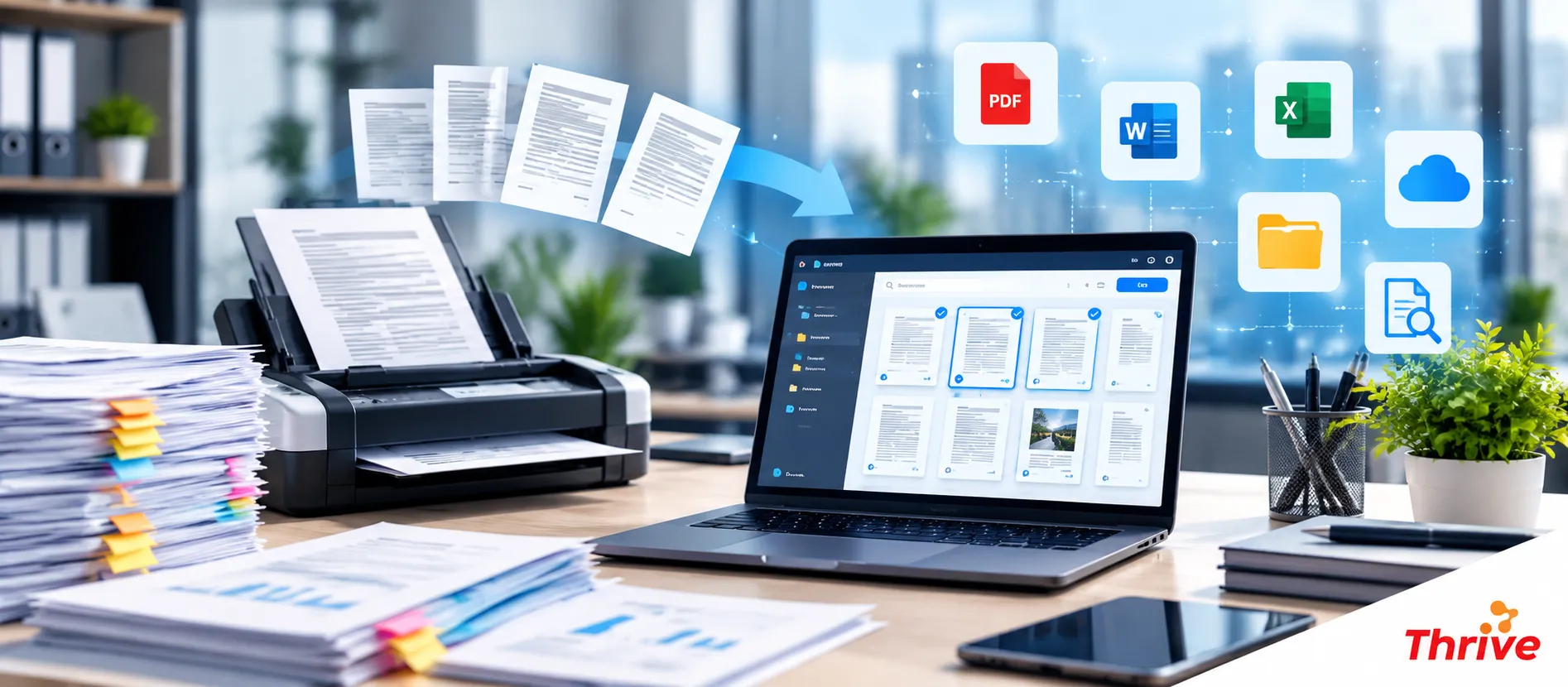
Document digitization helps companies manage information more efficiently, reduce repetitive administrative tasks, and accelerate workflows. When documents are still processed manually, companies risk delays, errors, and difficulty finding information. Therefore, companies need to evaluate software that meets their document processing, security, and operational needs.
Why is Document Digitization Important for Companies?
Document digitization is the process of converting or managing documents into digital form to make them easier to store, access, and process. For companies, digitization can help simplify administrative work and improve coordination between departments.
Documents such as invoices, contracts, financial reports, purchase orders, and employee files are frequently used in daily business processes. If they aren't managed well, employees can spend significant time searching for files, checking document versions, or repeating the same tasks.
Companies evaluating software needs can begin their search through Cari License Softwareas an initial reference before determining the appropriate product.
What problems arise when documents are still managed manually?
Manual document management can become a challenge when the number of files increases and multiple departments are involved. Common issues include:
Document search takes time:Files are scattered across different folders, devices, or systems.
Repetitive work:Employees need to open, check, change, or move documents one by one.
Risk of error:Information may be missed or the document used may not be the latest version.
Collaboration is less efficient:The team had difficulty accessing the documents needed to complete the work.
Suboptimal access control:Sensitive documents require access settings that comply with company policies.
How do document issues impact business performance?
Inefficient document management can increase administrative burdens, delay approvals, and increase operational costs. In the procurement process, for example, delays in locating vendor documents can hinder the purchasing process. Meanwhile, difficult-to-navigate financial documents can prolong the audit and reconciliation process.
Digitalization helps companies organize these processes more structured. However, the results still depend on the systems, work procedures, and software chosen.
How Does Software Help the Document Digitization Process?
Document management software helps companies store, organize, or process documents using customized digital functions. Depending on the product, these capabilities may include file processing, format conversion, document search, access management, or integration with other applications.
The main goal is not just to convert paper documents into digital files, but also to simplify work processes and make information easier to use.
What features to consider?
Before selecting software, companies should evaluate the following features:
Document processing:Supports required file processing activities.
Format conversion:Helps change document formats when available.
File organization:Supports document arrangement according to work needs.
Information search:Makes it easy to search for files based on product capabilities.
Access control:Helps manage user access according to available features.
Application integration:Supports connection with other systems if needed.
Process automation:Reduce manual steps in certain workflows when the feature is available.
Specialized features like OCR for recognizing text from scanned documents, processing large volumes of documents, or internal system integration need to be examined separately. Not all software provides the same capabilities.
To assist in the initial search, companies can open Cari License Software, then compare the technical requirements with the official product specifications available.
What is the Role of the Ultimate Toolkit in Document Digitization?
Toolkit Ultimate can be considered as a software candidate in a company's needs evaluation process. Before using it for digitizing or processing documents, companies should verify its features, compatibility, and licensing terms based on the official product information.
Software selection should begin with the problem it aims to solve. This way, companies can assess whether the product is relevant to their work processes and provides benefits commensurate with the cost.
How to evaluate the Ultimate Toolkit?
Companies can use the following checklist before making a decision:
Identify primary needs.Determine whether the needs focus on file processing, format conversion, document organization, or other functions.
Verify specifications.Make sure the required features are available in Toolkit Ultimate.
Check compatibility.Make sure the software is compatible with the company's devices and work environment.
Review the license terms.Check the validity period, number of users, and usage limitations.
Evaluation of technical support.Make sure information regarding after-purchase assistance is available and appropriate to your needs.
To compare product candidates, IT and procurement teams can use Cari License Softwareas an initial reference. Next, confirm the Ultimate Toolkit specifications before establishing it as an enterprise solution.
What are some examples of document digitization implementation in companies?
Document digitization can be applied to processes involving multiple files and requiring cross-departmental coordination. The implementation method depends on business needs and the capabilities of the software used.
Examples of department-based needs include:
Finance:Manage invoices, transaction receipts, and financial reports.
Procurement:Organize bidding documents, purchase orders, and vendor files.
Human Resources:Organize administrative documents and employee files.
Operations:Process reports and supporting documents for operational activities.
IT:Evaluate software compatibility, security, and integration.
For example, a procurement team can map the process from receiving vendor bids to storing procurement documents. The company can then test whether the selected software can simplify work steps and speed up file retrieval.
Teams wishing to compare product options can access Cari License Softwarebefore conducting technical and commercial evaluations.
Who Needs Document Digitization Software?
Document digitization software is relevant for companies looking to reduce administrative barriers and improve information organization. Needs vary based on document volume, number of users, process complexity, and security policies.
Parties that are usually involved in software selection include:
Business Owner:Assess the impact on productivity and cost efficiency.
IT Manager atau IT Director:Ensuring technical suitability, compatibility and security.
Procurement:Compare offers, prices and licensing terms.
Finance Manager:Evaluate financial document processing needs.
Operations Manager:Identify manual processes that can be simplified.
For implementation to be effective, each department needs to agree on priority needs and targets to be achieved. Companies can utilize Cari License Softwareas one of the starting points for software searches.
What to Consider Before Choosing Software?
Companies need to consider functionality, security, compatibility, licensing costs, and technical support before selecting document digitization software. The right product is one that meets business needs without adding unnecessary cost or complexity.
The following factors need to be evaluated:
Feature compatibility:Make sure the software capabilities match the work processes you want to improve.
License fee:Check pricing, validity period, number of users, and usage limitations.
Data security:Evaluate access settings and how the product handles documents.
Compatibility:Make sure the software can be used in the company's work environment.
Scalability:Consider whether the solution is still appropriate when the number of documents or users increases.
Technical support:Check the support services provided after purchase.
Don't just compare initial prices. Also consider implementation costs, user onboarding time, and long-term support needs. To compile a shortlist of candidates, companies can use Cari License Software, then verify the product details with the provider.
What are the steps to implement effective document digitization?
Effective document digitization implementation begins with mapping business processes, setting targets, and testing solutions against real-world needs. This phased approach helps companies reduce the risk of selecting inappropriate software.
Steps that can be implemented are:
Map the current process.Identify the types of documents and stages that take the most time.
Set measurable targets.For example, reducing document search time or the amount of manual work.
Develop technical requirements.Note the file format, number of users, compatibility, and security requirements.
Compare products and licenses.Check the functions, costs, and usage limitations.
Do a trial run if available.Use relevant sample documents and work scenarios.
Evaluation of results.Compare processing times, error rates, and administrative burdens before and after implementation.
Companies can start the search process through Cari License Software, then consult to ensure the product and license match actual needs.
Conclusion
Document digitization helps companies reduce manual work, improve information organization, and support operational efficiency. To maximize its benefits, companies need to identify problems early, set measurable goals, and select software based on verified features and business needs.
The Ultimate Toolkit can be included in the evaluation process once the product specifications and terms are confirmed. If a company needs assistance finding software or determining appropriate licensing, the Thrive team can help discuss relevant needs and options. As a starting point, visit Cari License Software.
FAQ: Frequently Asked Questions about Document Digitization
1. What are the benefits of document digitization for companies?
Document digitization can help speed up administrative processes, reduce manual work, and facilitate access to information. The results depend on the systems, software, and procedures implemented.
2. What is the difference between document digitization and digital document management?
Document digitization generally refers to the process of converting or transferring documents into digital form. Digital document management includes advanced activities such as organizing, searching, accessing, and processing files.
3. Can Toolkit Ultimate be used for document digitization?
Toolkit Ultimate can be evaluated as a software candidate. Companies should review the official specifications and ensure the required features are available before purchasing.
4. How to choose document processing software for your company?
Identify feature requirements, document formats, number of users, security, compatibility, budget, and technical support. Then, compare products based on verified specifications and licensing terms.
5. Where can companies look for software licensing references?
Companies can access Cari License Softwareas an initial reference, then confirm the features, prices, and license terms with the provider.
Related Articles
Also read other interesting information from us

General
Tips for Creating an Effective BI Dashboard
A Business Intelligence (BI) dashboard is a crucial tool for companies to process data into easily understood informatio...

General
Safe Tips for Using Canva Sharing for Personal Needs
Canva sharing is gaining popularity because it provides access to premium features at a lower cost. However, for persona...

General
Best Responsive Frameworks for Developers (Bootstrap, Tailwind)
In the increasingly dynamic world of web development, choosing the right responsive framework is key to a developer's su...
Get Free Consultation
Discuss your company's IT needs with our customer support right now at
+62 822 9998 8870


