Article Jun 21, 2026, 02:11 PM
Runway vs. CapCut: Which One is Better for AI Video Editing?
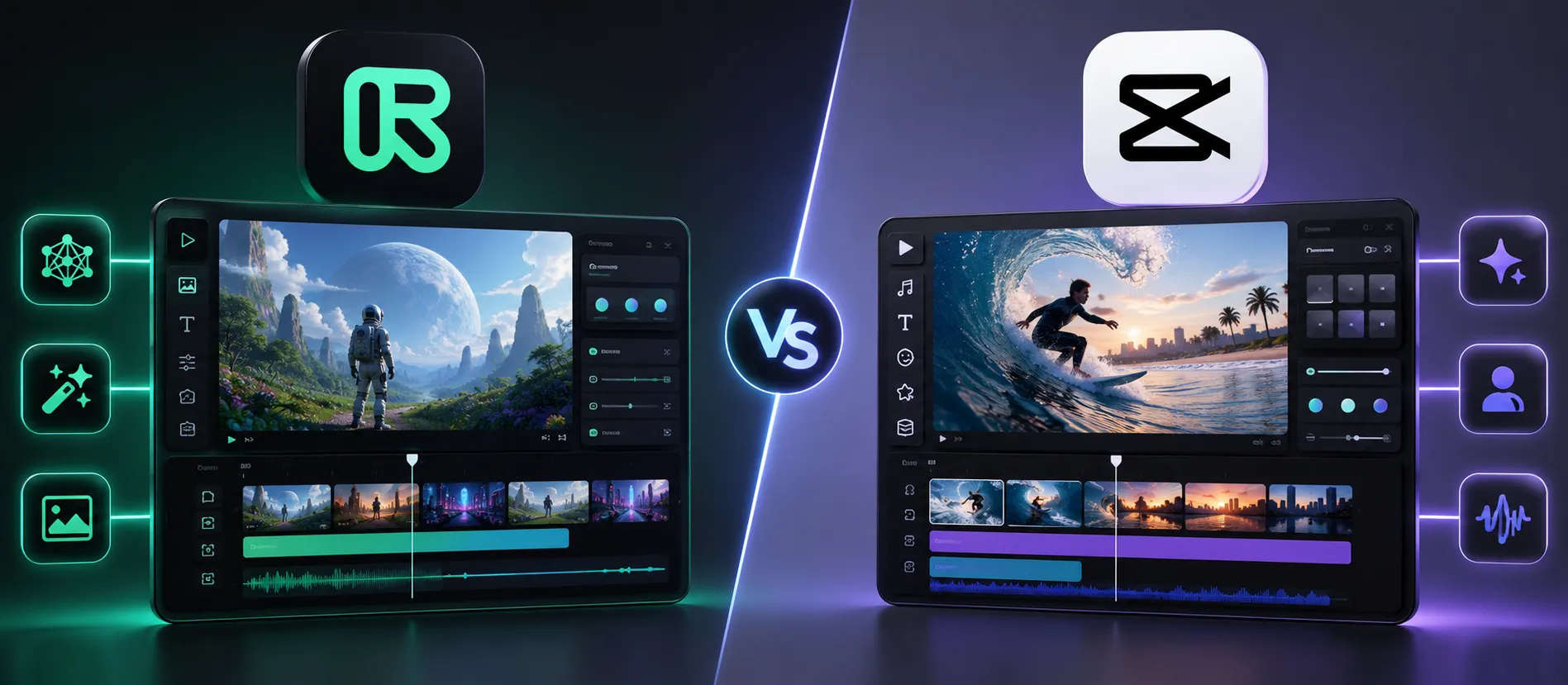
Quick Tips Before Choosing an AI Video Editor
Runway is suitable for creative-level AI video editing, generative AI, and cinematic content production.
CapCut is more suitable for quick editing of TikTok content, Reels, and daily social media videos.
For content marketing teams, CapCut is usually easier to learn in 1–3 days.
For AI video generation and advanced editing needs, Runway is superior.
To be safe for business and commercial needs, always make sure buy original software.
The Difference Between Runway and CapCut in Real-Time Use
Almost all content teams are now using AI video editing. However, the needs of a day-to-day TikTok editor are certainly different from those of a creative team creating video ads or campaigns.
This is where the differences between Runway and CapCut begin to be felt.
CapCut focuses on editing speed. Users can create short videos with templates, auto-captioning, transitions, music, and AI effects in a fraction of the time. This workflow is incredibly helpful for small businesses, creators, affiliates, or social media teams.
Simple example:
Record a product video
Insert into template
Add auto caption
Export vertical video
The process can be completed in 15–30 minutes. That's why many small businesses choose buy original software CapCut for daily content needs.
Runway has a different positioning. This platform focuses more on AI-powered video creation. Users can utilize features such as:
AI background removal
Text-to-video
Motion tracking
AI object erase
Generative video editing
Frame interpolation
For creative agencies, production teams, or brand campaigns, features like this are very powerful because they can cut down on editing time, which usually takes quite long working hours.
From implementation experience, Runway is better suited for teams already familiar with visual workflows and generative AI exploration. CapCut, on the other hand, is more convenient for non-technical users seeking quick results.
In terms of the learning curve, CapCut is much easier. Many users can even start editing without extensive training. But for more cinematic visuals and advanced AI workflows, Runway is clearly superior.
Another often overlooked issue is content licensing. Many businesses use templates, music, or AI assets without considering commercial licensing. This poses a risk when videos are used for advertising or brand campaigns.
Therefore, businesses still need to buy original software to make access to features, assets, and commercial use more secure.
If your business needs high-volume daily content, CapCut is more realistic. However, if your goal is producing AI-powered creative content with higher quality, Runway is worth considering.
The best decision still depends on the team's workflow. Don't choose a tool just because it's trending. Choose based on your production needs over the next 6–12 months.
Checklist Before Choosing AI Video Editing Tools
Determine the video type: TikTok, Reels, ads, cinematic, or campaign.
Calculate the volume of video production each week.
Check whether the team needs AI generative video or fast editing.
Make sure the tool supports high resolution export.
Pay attention to music, template, and visual asset licensing.
Check whether the workflow supports mobile or desktop editing.
For license security and business use, always buy original software.
FAQ
1. What is the main difference between Runway and CapCut?
Runway focuses on AI video generation and advanced editing, while CapCut focuses on fast editing for social media. For businesses, make sure to... buy original software.
2. Which is easier for beginners to use?
CapCut is easier to learn because its interface is simple and template-based.
3. Is Runway suitable for content creators?
Suitable, especially for creators who want to make AI cinematic videos or creative visuals.
4. Is CapCut enough for small businesses?
That's enough. Many MSMEs use CapCut for TikTok, Instagram Reels, and daily product promotions.
5. Can Runway create videos from text?
Yes. Runway supports text-to-video and AI generative editing.
6. What are the risks of using illegal video editing tools?
The risks include watermarks, restricted features, assets not legal for commercial use, and potential copyright issues. Therefore, it is important to buy original software.
7. Which is more suitable for premium advertising?
Runway is usually superior for campaign visuals and advanced creative editing.
8. Does CapCut support auto captions and AI subtitles?
Yes. This is one of the most frequently used features by creators and social media teams.
9. When does a business need to upgrade to premium video AI tools?
As video production becomes more routine, campaigns become more complex, and visual quality becomes a brand priority, before upgrading, make sure you still... buy original software.
10. Where can I buy a legal AI video editing license?
Use a trusted partner or reseller. For business needs, it's safer. buy original software so that the license and support are clearer.
Related Articles
Also read other interesting information from us

General
The Most Used UI/UX Design Software by Indonesian Web Developers
UI/UX design plays a vital role in the success of a website. An attractive interface, intuitive navigation, and a seamle...

General
Microsoft Project Plan 3 & Plan 5 Official – Check License Promos & Local Support Services
Microsoft Project Plan 3 and Plan 5 are professional project management solutions designed to help companies plan, manag...

General
The World’s Most Famous Hackers – What Happened to Them Now?
The world of hacking has produced some very famous figures, both because of their impressive technical skills and the hu...
Get Free Consultation
Discuss your company's IT needs with our customer support right now at
+62 822 9998 8870


